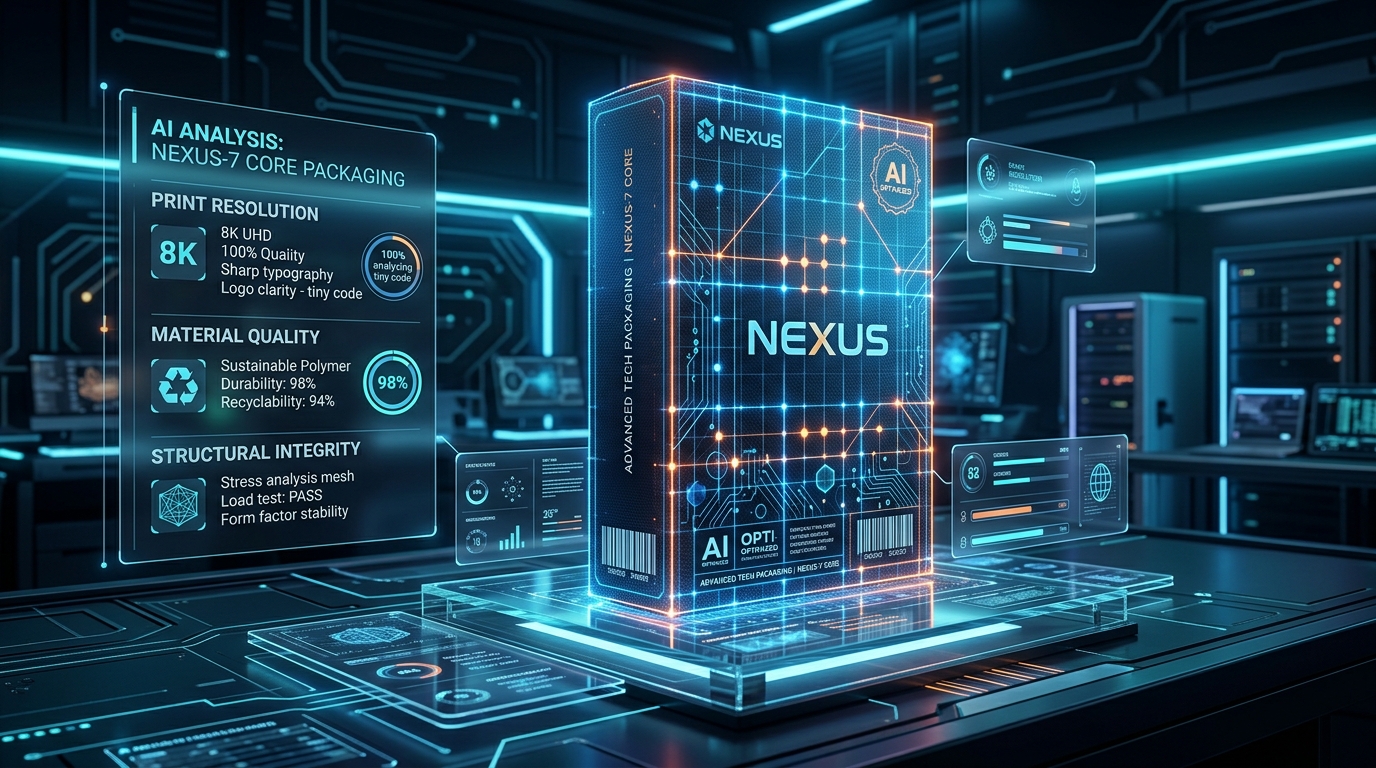
Ensure optimal print clarity by formatting design canvases correctly. This guide outlines vector dieline setup, raster resolution upscaling, and plate calibration standards for flexo and digital presses.
The Reality of the Challenge
"Seeing your beautiful photography or AI-generated artwork turn into a pixelated, blurry mess on a massive run of packaging is a devastating blow. You paid for a premium product, but low-resolution graphics instantly make your brand look amateur and cheap. We've had frantic calls from clients who tried to pull a logo off their website to use on a printed pouch, only to realize that web resolution looks terrible on physical film. The math is simple but unforgiving: if you don't start with the right PPI, no amount of factory magic can save the print."

Ryan Wong
Chief Packaging Engineer, Achieve Pack
DPI vs. PPI: The Print Resolution Breakdown
Many designers conflate PPI (Pixels Per Inch) with DPI (Dots Per Inch). PPI is a digital property—the density of pixels on your screen canvas. DPI is a physical property—the density of ink droplets laid down by a high-definition printing press. To bridge the gap, digital images must be set to exactly 300 PPI at 100% of their physical print dimensions. If you are printing a stand-up pouch that measures 6 x 9 inches, your image file must contain at least 1800 x 2700 pixels of real, un-interpolated image data. Manual scaling up in software will not solve this; it only repeats existing pixel values, resulting in blurry details.
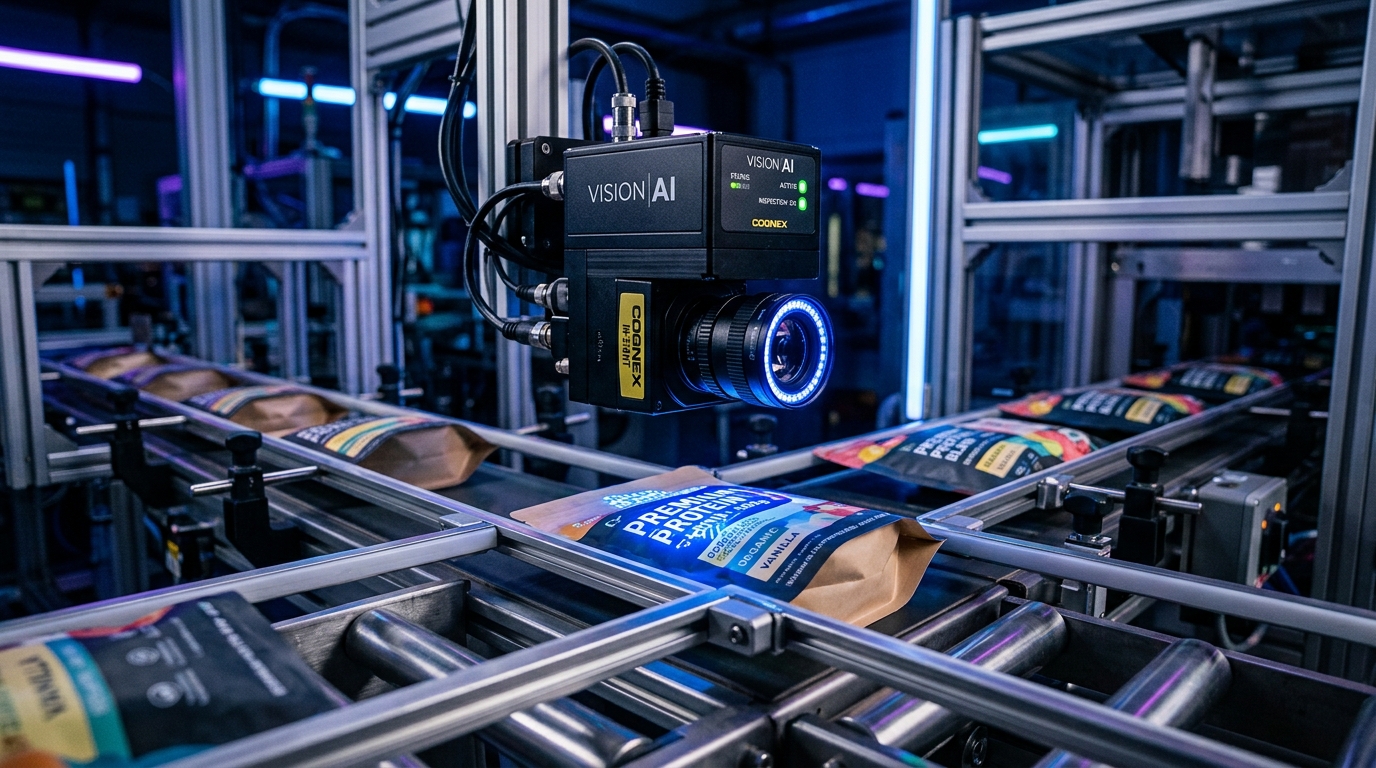
High-resolution visual detailing pre-press calibration and plate registration for multi-color flexographic film runs.
Prepress Trapping & Calibration Journal
// CHIEF PACKAGING ENGINEER JOURNAL entry
"In my 14 years of packaging design, the most common artwork failure is color registration shift on fine text. When small black text is designed in rich black (a mix of CMYK), the microscopic alignment variance of the print plates causes a fuzzy, multicolored shadow to appear around the characters. During our prepress validation, we enforce a strict rule: all small black text (under 6pt) must be set to 100% Black (K) only, and spot colors must be mapped to Pantone (PMS) references. For AI-generated artwork, we run deep-learning upscalers to rebuild edge clarity, followed by a color gamut clamp to prevent muddy color profiles on matte and gloss laminations."
100% Prepress Calibration & Trapping Audited
5 Core Challenges & Engineering Solutions
01Pixelated and Blurry Photos
Using 72 PPI web images results in highly visible, blocky pixels when printed on physical packaging.
02Jagged Edges on Logos
Rasterizing text or logos creates fuzzy, jagged edges that ruin the premium feel.
03Heavy Compression Artifacts
Saving images as JPEGs introduces compression blocks and 'mosquito noise' around sharp edges.
04Unreadable Small Text
Small ingredient lists printed in CMYK become illegible due to microscopic misregistration of the four color plates.
05Over-Enlarged Source Files
Manually scaling up a low-res image in Photoshop does not add real detail, just blurry pixels.
72 PPI Web Graphics vs. 300 PPI Print Resolution
A stark comparison of dot gain and edge clarity on flexible packaging films:
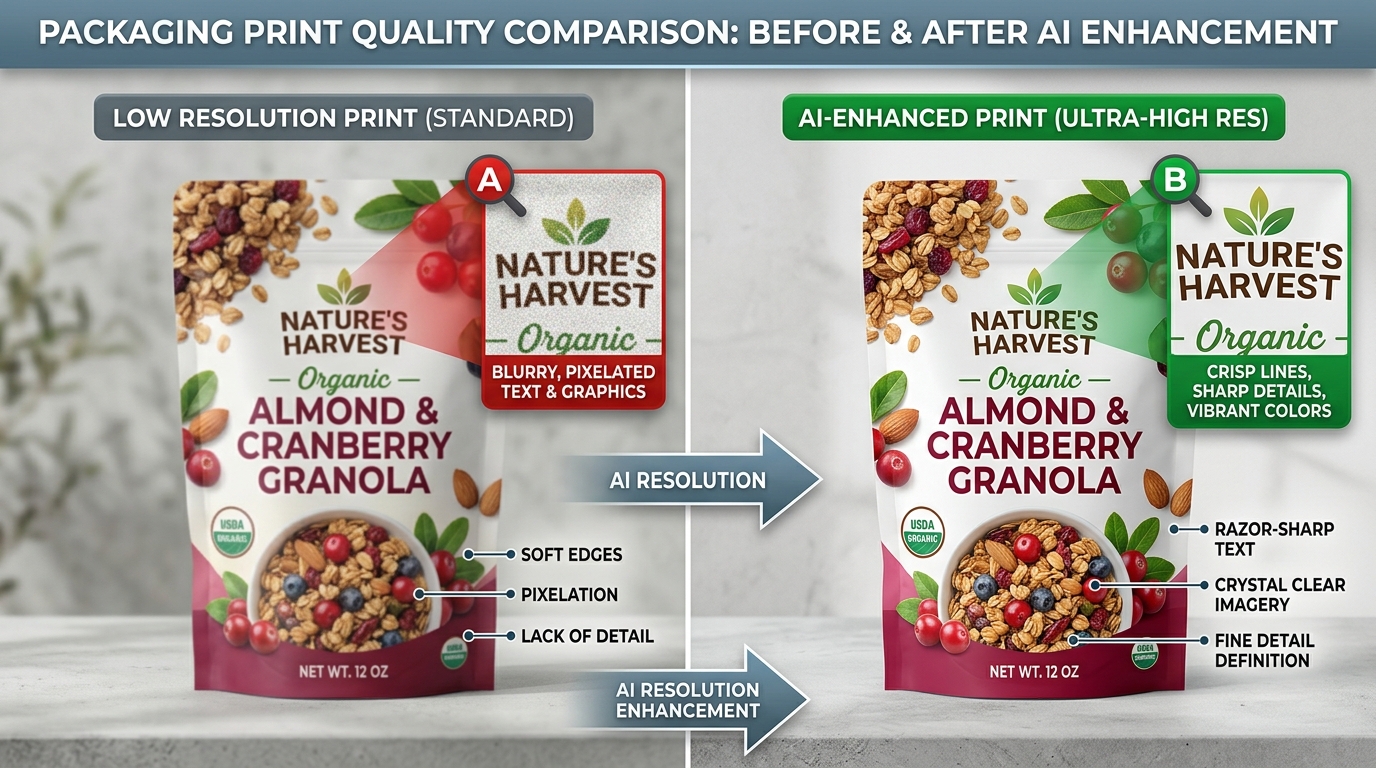
Comparing edge sharpness, pixelation, and printing registration details under a pre-press magnifying glass.
Frequently Asked Questions
Are these pouches fully compostable?
Yes, our sustainable packaging solutions are certified home and industrial compostable, meeting EN 13432 and ASTM D6400 standards. They break down into non-toxic biomass within 90-180 days in a composting environment.
What is the minimum order quantity (MOQ)?
For DTC startups and pilot launches, we offer low MOQs starting from just 100 pieces for digitally printed pouches. For full custom rotogravure printing, the MOQ typically starts at 5,000 pieces.
Do they provide an adequate moisture and oxygen barrier?
Absolutely. We utilize advanced plant-based barrier coatings and metallized compostable films (like NatureFlex) that provide excellent OTR and WVTR ratings, comparable to traditional plastic packaging.
Artwork Properties & Print Performance Matrix
| Format | Ideal PPI | Scalability | Best For | Print Output Result |
|---|---|---|---|---|
| Vector (.AI, .EPS, .SVG) | Infinite (Geometric) | Fully Scalable | Logos, Small Text, Dielines | Razor-sharp edges, perfect plate registration |
| Lossless Raster (.TIFF, .PSD) | 300 PPI | Not Scalable (Must be 100%) | Photographic elements, complex AI art | Crisp details, rich color transitions |
| Compressed Raster (.JPEG) | 72-150 PPI | Not Scalable (Lossy) | Web mockups only | Noticeable pixel blocks and color noise |
Frequently Asked Questions
What resolution do I need for packaging?
All photographic elements must be exactly 300 PPI (Pixels Per Inch) at 100% of the printed size. Text and logos should be vectors.
Why does my web logo look bad on the bag?
Web graphics are optimized for speed at 72 PPI. Printing requires over four times that density (300 PPI) to look sharp.
Can I just change the DPI setting in Photoshop?
No. Changing the setting without having the actual pixel data just makes the image larger and blurrier. You need a high-quality original.
Standard Factory Quality Control & Material Auditing
Our general quality management system guarantees that every packaging batch meets international safety requirements. We perform rigorous mechanical, thermal, and barrier tests from raw materials to final shipping pallets to ensure complete peace of mind.
Gas Transmission
Gas transmission rate tests verify material specification sheets.
Chemical Safety
Zero chemical odor or harmful heavy metal contamination.
Heat Seal Strength
Verifies strong and secure heat seal seams for leak prevention.
Manufacturing Standard
Strict quality logs maintained for traceability of every batch.
Transit Durability
Simulated shipping tests ensure packages arrive in pristine condition.
Tensile Strength
Film properties optimized for smooth packaging line operation.